From click to shipped code: a real feature request, start to finish
In the last post, we used CustomerShip to add our own feedback widget to our demo site. This post picks up right where that one left off: the widget is live, and we used it exactly the way a customer would — to ask for something, and watch it get built.
What a customer actually sees
No account, no form fields beyond a message and an optional email. Just a small button in the corner of the page that opens into a short form.
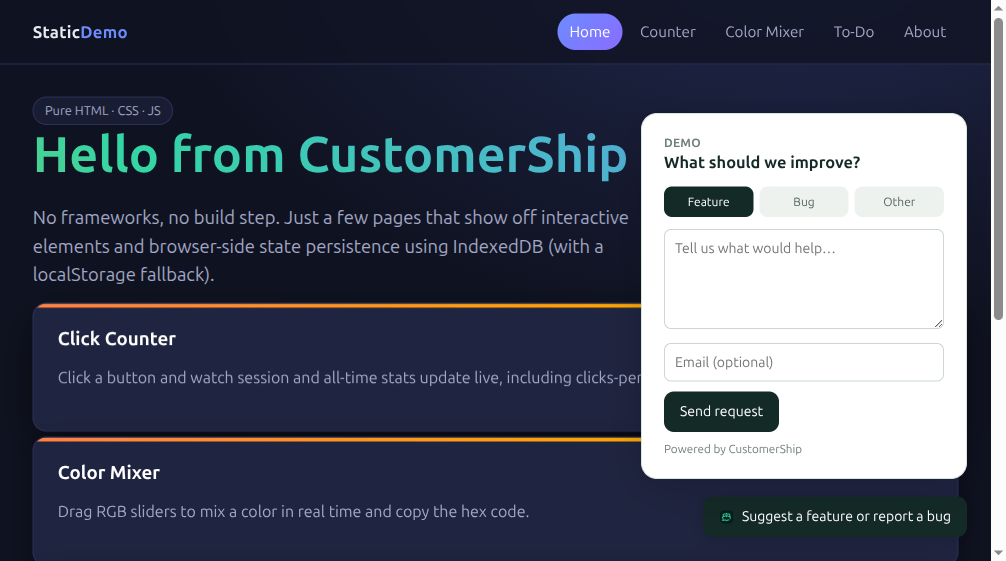
We asked for something small and concrete: a way to reset the click counter on the Counter page.
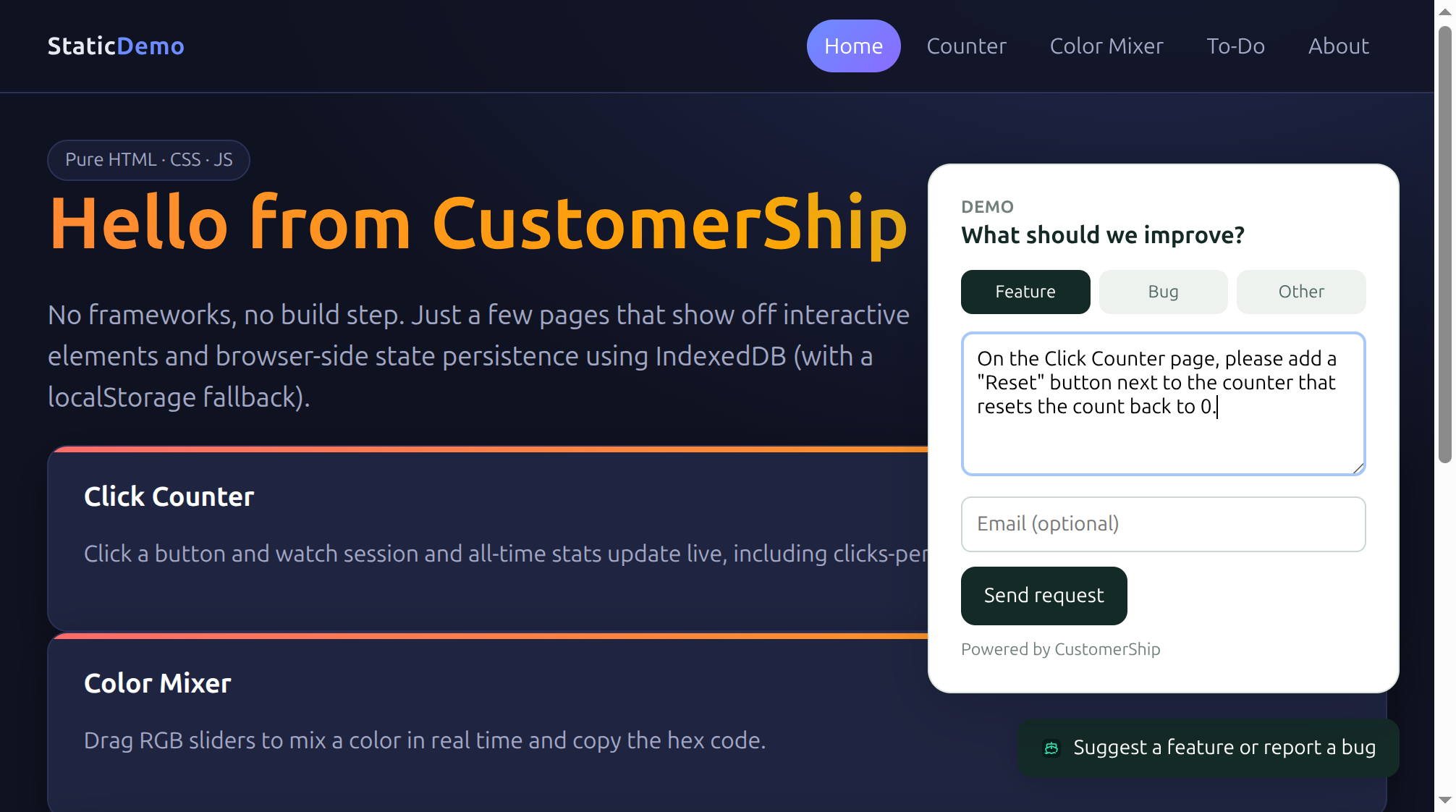
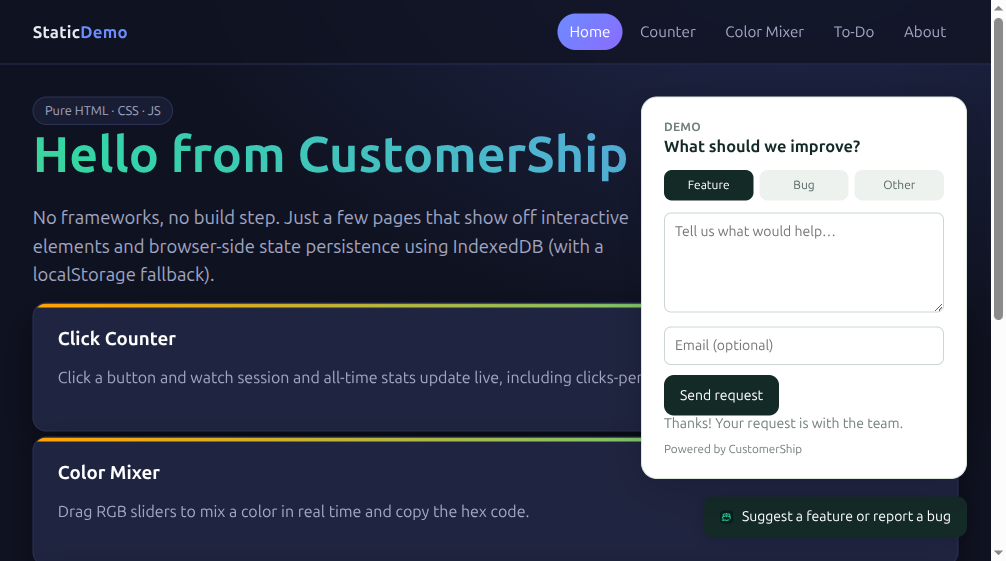
Graded before we even opened the dashboard
By the time we checked the inbox, the request had already been triaged — effort, benefit, risk, and a plain-language reason, generated automatically against our actual connected repository.

The rationale called out exactly which kind of files the change would touch and why the risk was low. That's not a canned response — it's reading the actual repository CustomerShip already has a map of, every time.
Ship it, and a pull request appears
One click, and the same pipeline from the last post ran again: a fresh clone, a coding agent making the actual change, and a real pull request opened against the repository's default branch.
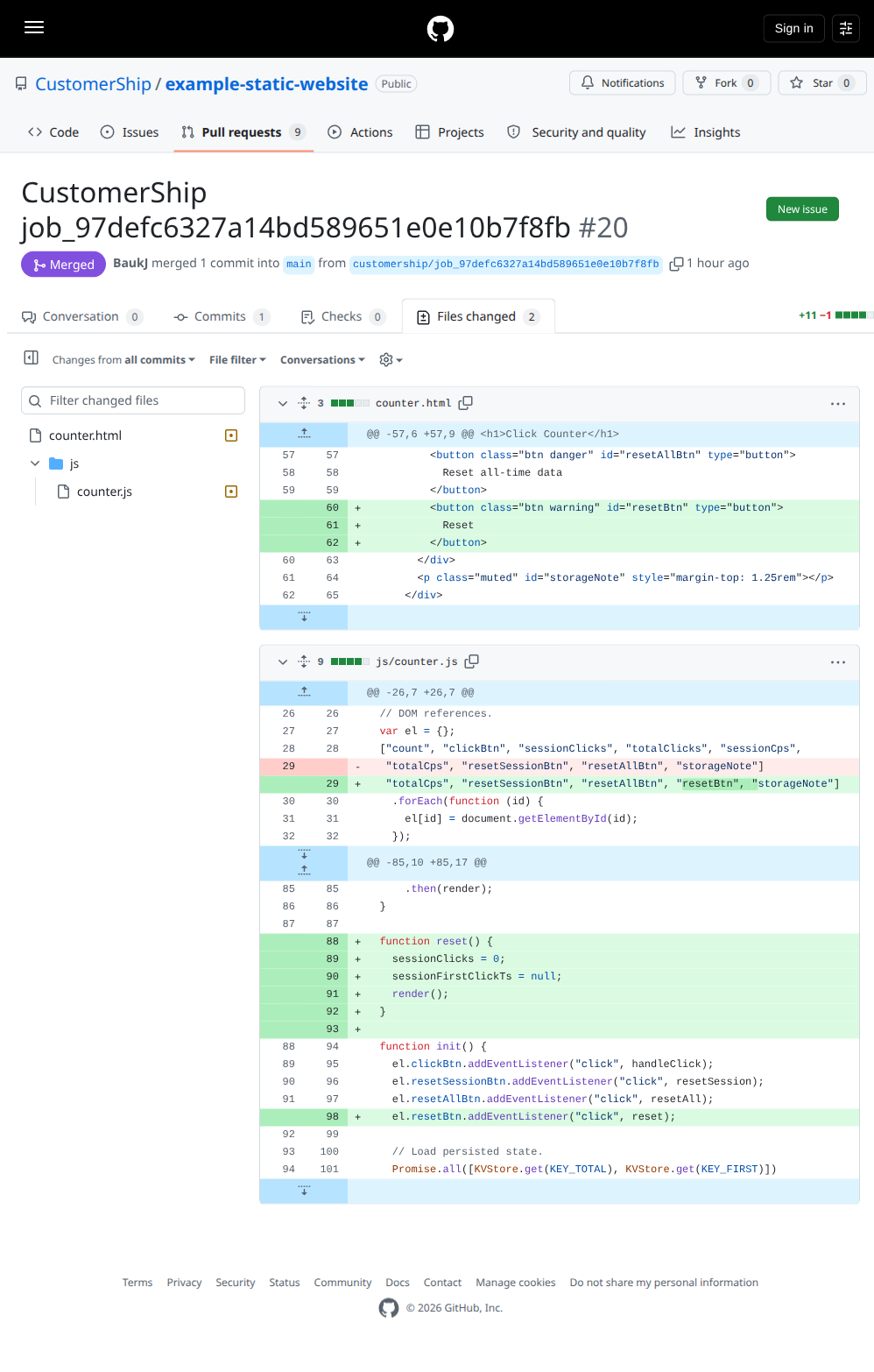
Live, minutes after a stranger clicked a button
We merged it, the site rebuilt, and the button was there.
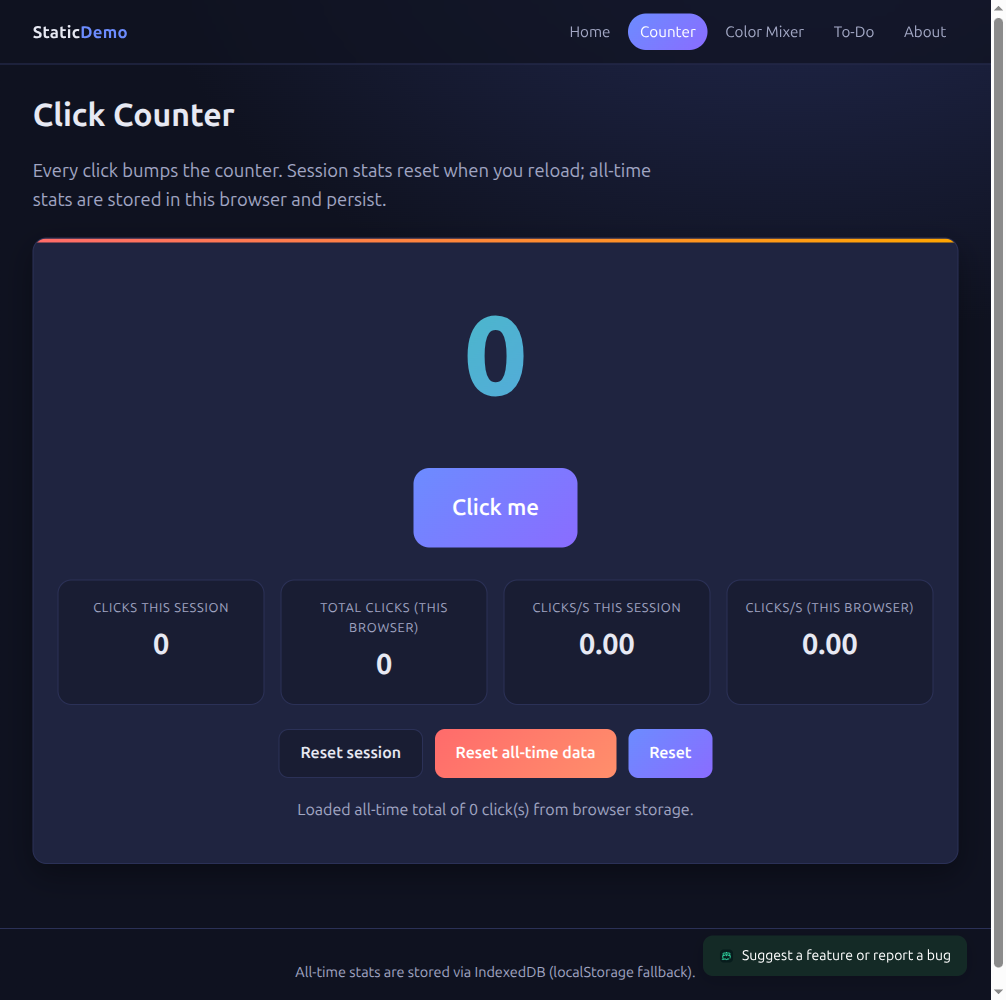
That's the whole loop, running on real infrastructure against a real repository: request in, graded automatically, shipped as a reviewable pull request, live on the site. See how shipping works for what happens with your own doubloons and plan limits.